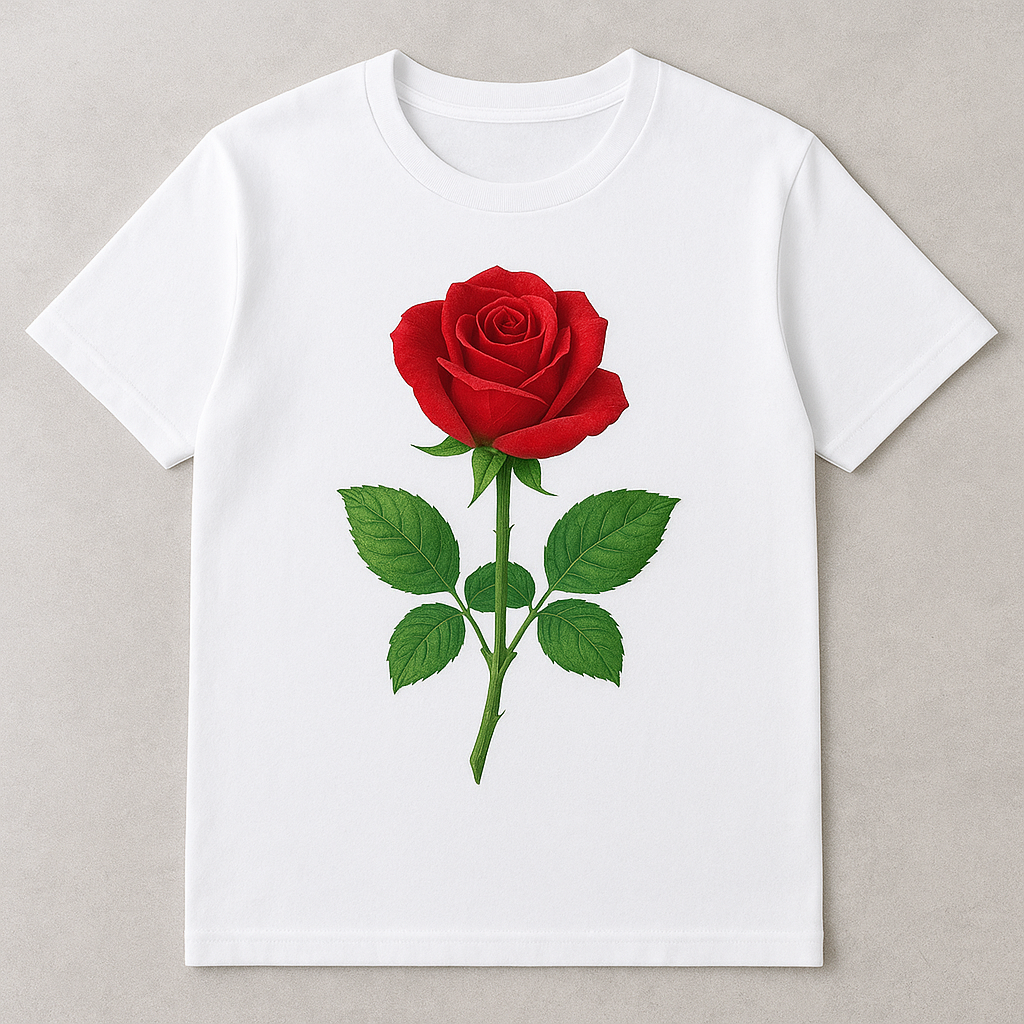
If you’re interested in creating professional-quality, vibrant custom t-shirts that don’t crack, peel, or fade, sublimation printing might be the perfect solution. Unlike vinyl or screen printing, sublimation bonds the ink directly into the fibers of the fabric, making your design part of the shirt itself.
In this guide, we’ll cover everything you need to know about how to sublimate a t-shirt—from the tools you need, to step-by-step instructions, to common mistakes beginners make (and how to avoid them).
What is Sublimation Printing?
Sublimation is a printing method that uses heat and special sublimation ink to transfer designs into polyester fabrics. When heated, the ink transforms into a gas and fuses with the polyester molecules, producing a permanent, full-color design that won’t wash out.
✅ Pros of sublimation:
- Long-lasting and fade-resistant designs.
- No cracking or peeling (unlike HTV or transfers).
- Full-color, detailed graphics possible.
⚠️ Limitations:
- Works only on polyester fabrics (100% recommended).
- Doesn’t work well on dark-colored shirts (light colors only).
- Requires special equipment (printer, ink, paper, heat press).
What You Need for Sublimation Printing on T-Shirts
Here’s your sublimation starter kit. These are the exact items most beginners and pros use:
- Sublimation Printer
- Recommended: Epson EcoTank ET-2800 (convertible for sublimation)
- OR dedicated sublimation printers like the Sawgrass SG500.
- Sublimation Ink
- Sublimation Paper
- Heat Press Machine
- Fancierstudio Power Heat Press 15×15
- Cricut EasyPress is also good for beginners but less consistent.
- HTVRONT AUTO Heat Press
- Polyester T-Shirts (White or Light Colors Only)
- Heat Resistant Tape
- Protective Paper (Butcher or Parchment Paper)
Step-by-Step Process: How to Sublimate a T-Shirt
Here’s the exact workflow you can follow at home:
Step 1: Design Your Artwork
- Use software like Adobe Illustrator, Photoshop, CorelDRAW, or free tools like Canva.
- Always mirror (flip horizontally) your design before printing.
Step 2: Print with Sublimation Ink
- Load sublimation paper into your printer.
- Set the printer to High Quality / Best Print.
- Print your mirrored design onto the paper.
Step 3: Prepare the T-Shirt
- Place the polyester shirt on the press.
- Pre-press for 5 seconds to remove wrinkles and moisture.
Step 4: Place the Design
- Put the sublimation print face-down on the shirt.
- Secure with heat-resistant tape so it doesn’t move.
Step 5: Heat Press
- Cover with butcher paper.
- Press at 400°F (205°C) for 40–60 seconds.
- Use medium pressure.
Step 6: Peel & Reveal
- Carefully lift the sublimation paper.
- Your design is now infused into the fabric—permanent and vibrant!
Troubleshooting Common Problems
Even pros run into issues. Here’s how to fix the most common sublimation mistakes:
- Design looks faded → Use 100% polyester shirts, increase press time slightly, or check if ink levels are low.
- Ghosting (blurry shadow effect) → Caused by paper shifting. Use heat tape and apply steady pressure.
- Colors look dull → Adjust printer color settings (ICC profiles), and ensure you’re using high-quality sublimation paper.
- Burn marks on fabric → Heat press was too hot or pressed for too long. Try 380°F instead of 400°F.
Sublimation vs. Other T-Shirt Printing Methods
Wondering how sublimation compares? Here’s a quick breakdown:
| Printing Method | Durability | Color Quality | Fabric Compatibility | Best For |
|---|---|---|---|---|
| Sublimation | Permanent, no peeling | Vibrant, full-color | Polyester only | Custom apparel, sportswear |
| HTV (Heat Transfer Vinyl) | Good, but can peel | Solid colors only | Cotton, blends | Simple designs, text |
| Screen Printing | Very durable | Bold, solid colors | Cotton, blends | Large runs, single-color designs |
| DTF (Direct-to-Film) | Durable, flexible | Full-color | Works on cotton & blends | Small businesses, dark shirts |
FAQs About Sublimation Printing on T-Shirts
Q1: Can I sublimate on cotton shirts?
Not directly. Cotton doesn’t bond with sublimation ink. However, you can use a sublimation spray coating or Siser EasySubli HTV as a workaround.
Q2: Can I sublimate on black or dark shirts?
Sublimation doesn’t show up well on dark fabrics. Stick to white or light pastel polyester shirts for best results.
Q3: Do I need a special printer for sublimation?
Yes, you need a printer dedicated to sublimation ink. Popular beginner-friendly options include Epson EcoTank conversions and Sawgrass sublimation printers.
Q4: How long does sublimation last?
Forever! Since the ink becomes part of the fibers, it won’t peel, fade, or wash out. The shirt itself will wear out before the design does.
Q5: Is sublimation expensive to start?
Startup costs are moderate: expect around $300–$600 for a full beginner setup (printer, press, supplies).
Final Thoughts
Sublimation printing on t-shirts is one of the best ways to create professional, permanent designs at home or for your business. While it requires polyester shirts and some initial investment, the results are worth it—vibrant, long-lasting prints that won’t crack, peel, or fade.
👉 Ready to start sublimating? Grab your sublimation printer, heat press machine, and a few polyester t-shirts today and start creating custom shirts!
This post may contain affiliate links. If you click on these links and make a purchase, I may earn a small commission at no extra cost to you. I only recommend products and services that I personally use or believe will add value to my readers.